

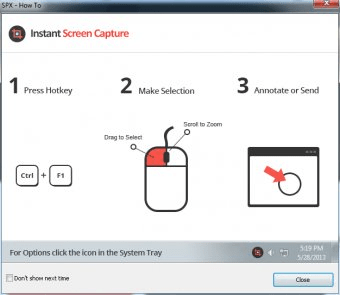
SPX Instant Screen Capture is a simple application that a allows you to make screenshots very easily. The program allows you to capture the screen at free hand, in a rectangle or the entire window. However, it does not have a built-in editor to enhance or add effects to your images, other than an edge effect, add an annotation, or watermark. Once you make the screenshot, you can send it the clipboard, a file, editor, studio, mail, web, IM, ICQ, or printer. The application doesn't have a formal user interface; it just sits in the system tray and you command everything from there. It also allows you to set hotkeys to make the different types of screenshots, making your work even easier and quicker. What is more, it includes a timer to take screenshots at regular intervals and has the ability to zoom in and out. I really wouldn't recommend this program because it does not include a built-in editor like most of the other similar programs, and for the same money, you can get more powerful and efficient utilities.




Comments